Tags: zzz
chaoDoc中的 filter
处理,最后在浏览器里预览。
各种编辑器对 pandoc markdown 的支持并不好,于是用 codex 写了不少工具。
1 Lua version
首先要搞定如何预览 pandocmd,hakyll watch 对预览一个 note 来说太过强大了,于是直接用 pandoc cli+ 一堆 lua filter 来搞定。entr 来看文件改动,保存后自动让 pandoc 转换成 html,扔到在跑 webserver 的文件夹里,最后在浏览器里预览。 预览部分有很多方便的东西,比如能跳转回 zed 的行号,自动刷新浏览器,preview on hover 等等。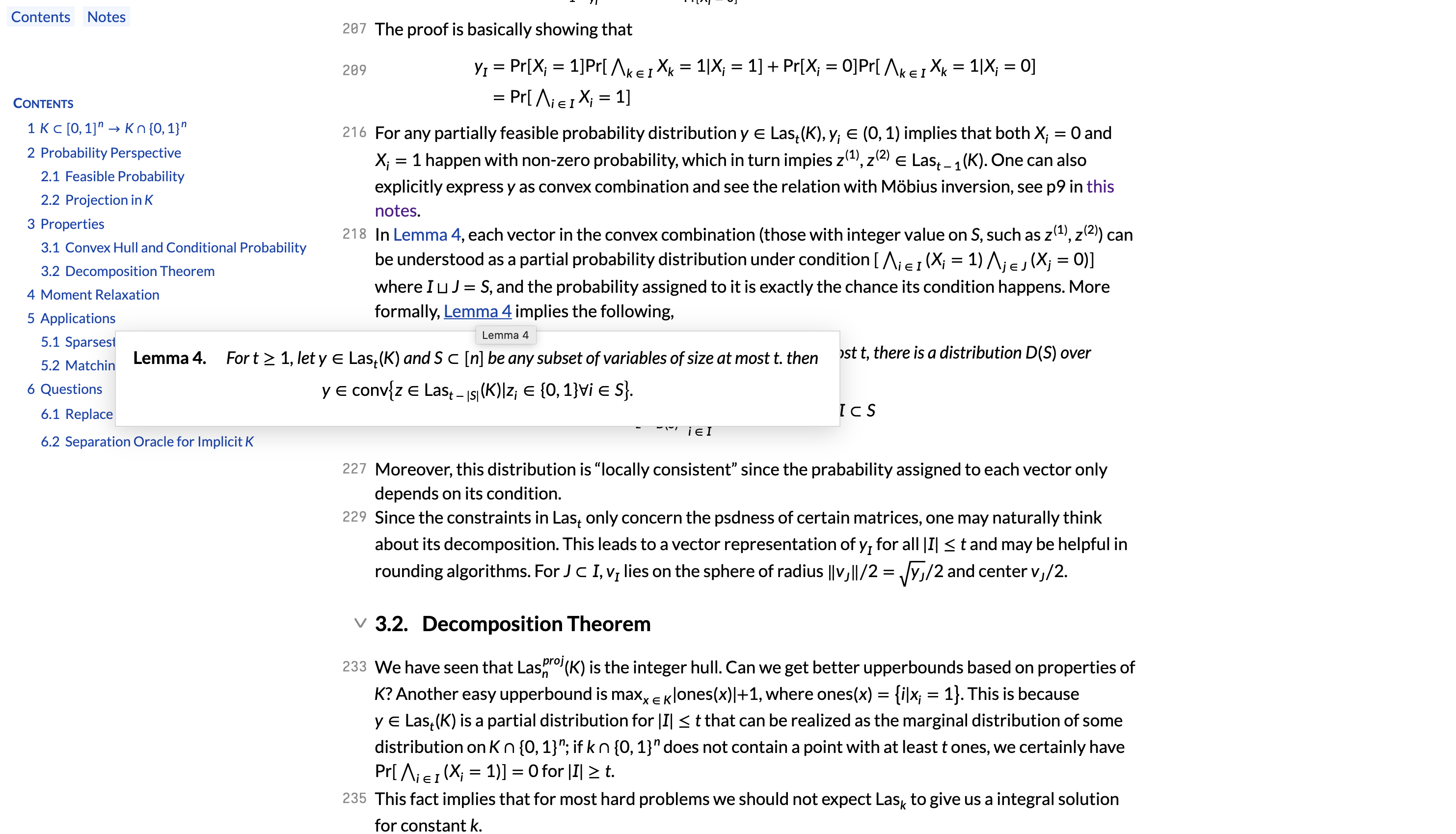
数学公式仍然在用MathML
在网页里本来就不该追求多麽完美的公式排版。至少Firefox里MathML看起来还行,而且也只有MathML能用基于Lato的数学字体LeteSansMath。
git pull。
https://github.com/sxlxc/pandocmd-lua
2 Language server
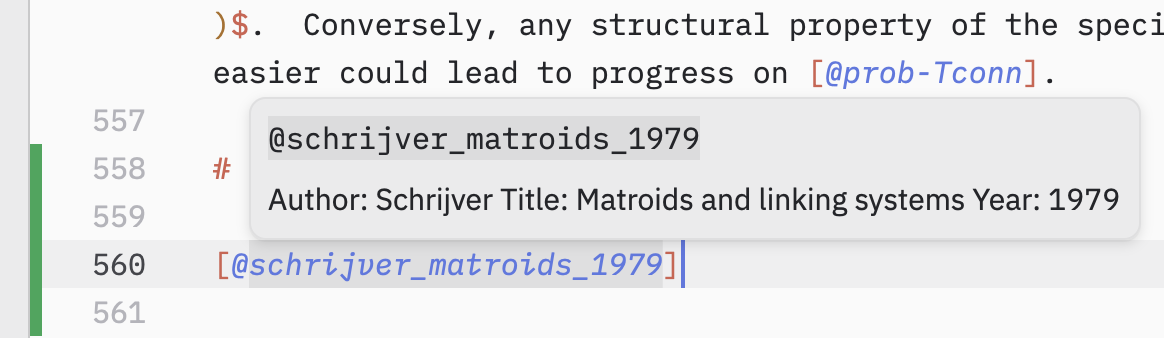
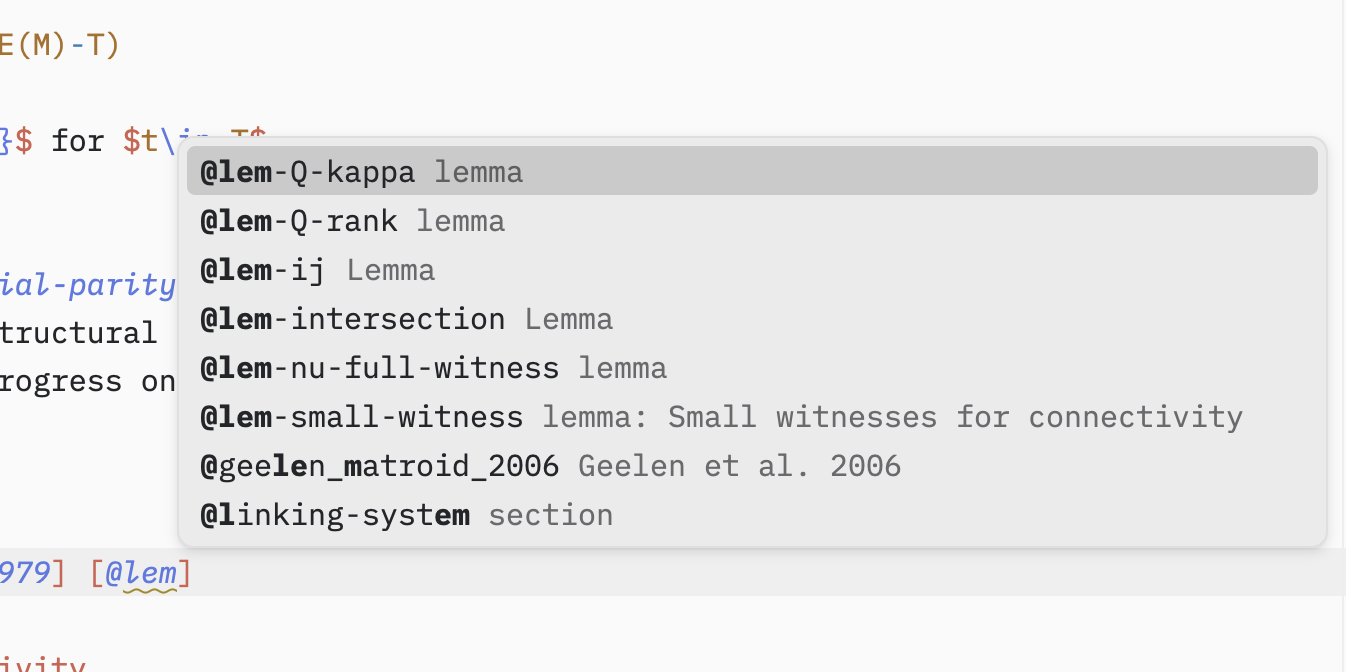
在 pandocmd 里写 cross-ref 的东西需要经常查看 label 具体叫啥,如果有 texlab/typst 一样的编辑器支持就会方便很多。在写编辑器插件之前就需要有个 language server。 pandocmd 的 tree sitter 有人写过,基于 markdown tree sitter。 codex 直接用 rust 写了个 language server 出来,我完全不知道是怎么写的,但是看起来工作正常。主要在提供 cross ref 的提示以及一个简易 linter。 https://github.com/sxlxc/pandocmd-languageserver3 Zed extension